
Migrating from Elementor to Gutenberg is not a simple export and import. Here is the honest approach that actually works on real client projects.
Migrating a client site from Elementor to Gutenberg sounds straightforward until you actually start doing it. There is no export button. There is no conversion tool that reliably works. What you have is a finished site built on top of a page builder, and the job of rebuilding it properly without losing anything that matters.
I have done this on client projects. Here is what I learned.
Why Clients Want to Migrate
The reasons are almost always the same. Performance is usually the trigger. A site audit comes back with a low PageSpeed score and the client wants to know why their site is slow. The answer is usually the page builder.
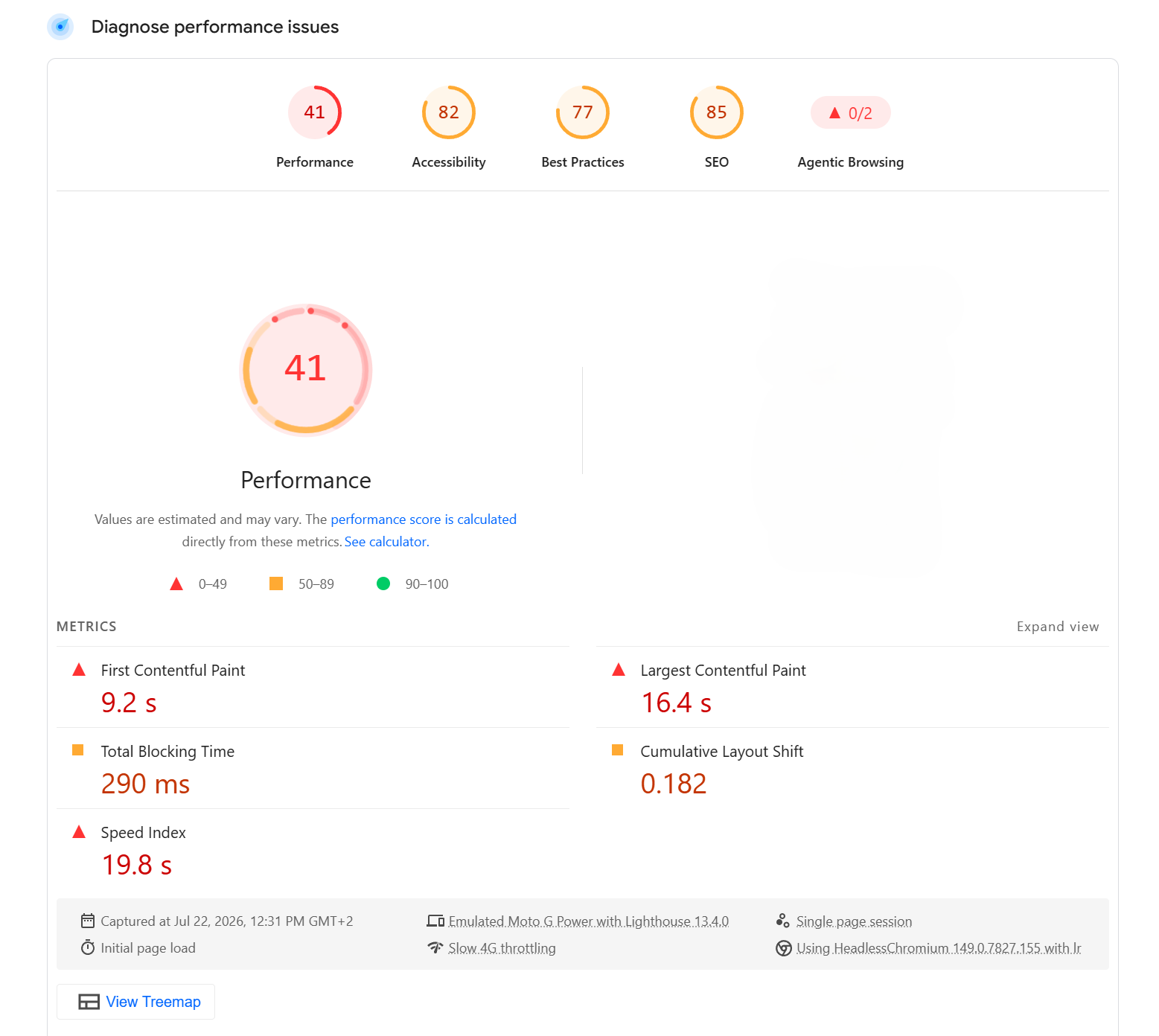
Elementor loads its JavaScript and CSS on every page of the site regardless of what that page contains. A simple about page with two paragraphs and a photo still downloads the full Elementor library. On mobile, on an average connection, that adds seconds to the load time.
The other common reason is maintenance cost. Elementor Pro is a recurring subscription. When clients realise their site depends on a plugin subscription to keep functioning, and that cancelling it would break their layouts, they start asking whether there is a better way.
The Real Problem: Undocumented Customisations
This is the part nobody tells you about before you start.
Elementor stores everything in the WordPress database as serialised post meta. Every widget setting, every custom spacing value, every colour override, every animation — all of it is locked inside Elementor's data format. When you deactivate Elementor, none of that is visible. The content disappears or shows as unstyled text.
The harder problem is that most Elementor sites have been customised over years by people who did not document what they did. A custom font size here. A specific padding value there. A colour that does not match the global palette but was set widget by widget on twelve different pages. None of it is written down anywhere. You have to look at the live site, work out what was intentional, and rebuild it.
There is no shortcut for this. Any tool that claims to automatically convert Elementor content to Gutenberg blocks will handle simple text and images and fail on anything more complex. The conversion tools are useful for extracting raw content. They are not a migration solution.
The Approach That Actually Works
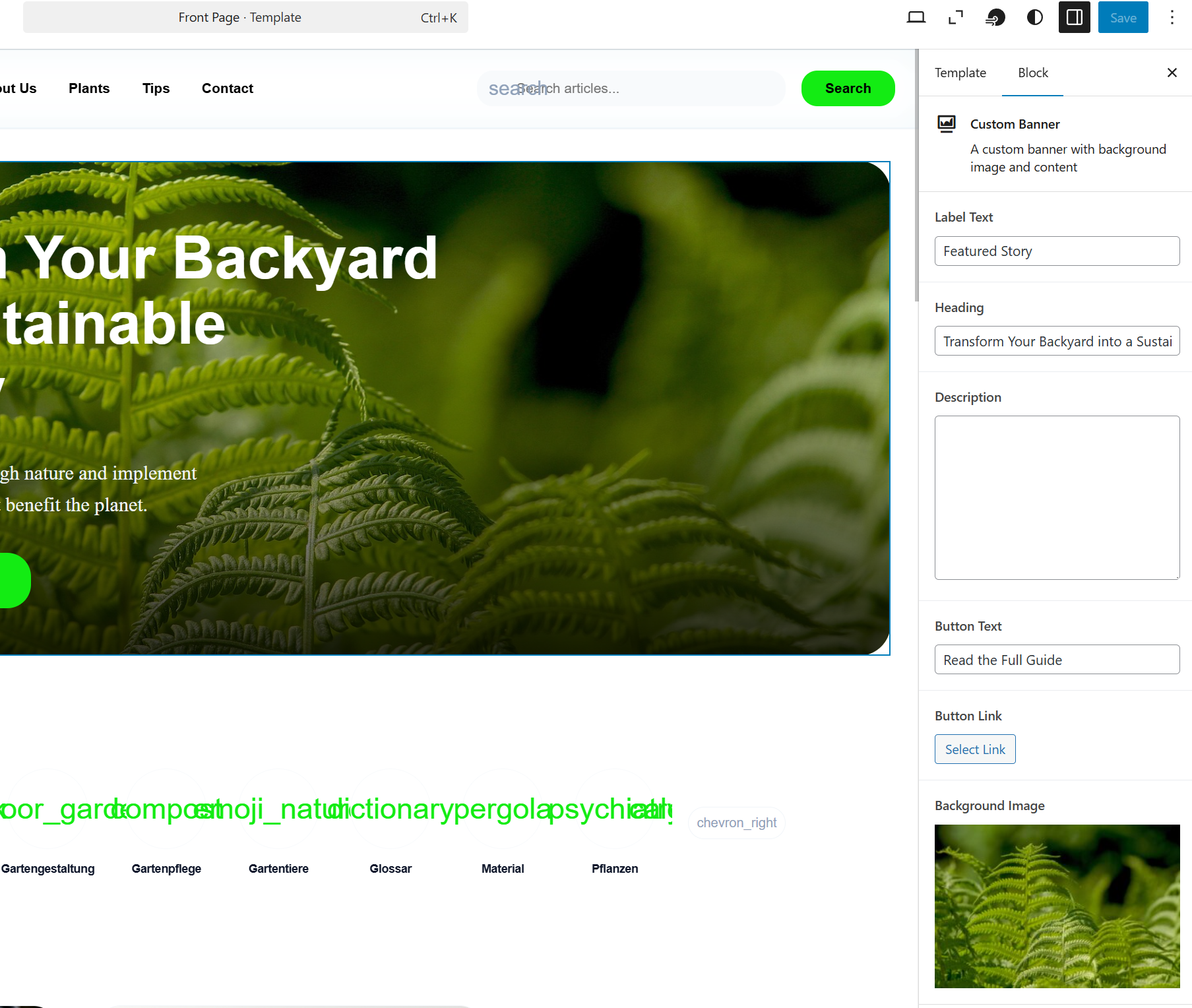
Treat it as a rebuild, not a migration. The content migrates. The design gets rebuilt properly.
Step 1: Audit the existing site before touching anything. Go through every page and document what exists. Screenshot every layout. Note every colour, font size and spacing value that deviates from the global styles. Write down every custom feature — forms, sliders, pricing tables, anything that was built with an Elementor widget. This documentation is your source of truth for the rebuild.
Step 2: Set up the new theme and design system. Build an FSE theme with theme.json defining the colour palette, typography and spacing. Do this before creating a single page. Everything that was set inconsistently widget by widget in Elementor gets defined once in theme.json and applied globally.
Step 3: Rebuild templates and block patterns. Create the page templates in the Site Editor. Build block patterns for the sections that repeat across the site — hero sections, feature grids, testimonials, CTAs. These replace the Elementor sections that were copy-pasted across pages.
Step 4: Migrate content page by page. Copy the text content from each Elementor page into the new Gutenberg layout. Insert block patterns where they apply. Rebuild any custom sections using native blocks or custom blocks where needed. This is the time-consuming part and there is no way around it.
Step 5: Handle custom functionality separately. Anything that was done with an Elementor widget — a form, a pricing table, a custom slider — needs a replacement. A dedicated form plugin for forms. A custom block for anything specific to the site. This is also the opportunity to audit whether every feature on the old site is actually still needed.
What You Gain
The performance improvement after a well-executed migration is significant. A site that scored 41 on PageSpeed with Elementor can reach the 80s or 90s with a clean Gutenberg build, with no other changes to hosting or infrastructure.
The content is no longer locked inside a plugin. Every page is standard WordPress block markup that any developer can work with. If the client ever needs to change developer or agency, the site comes with them.
The maintenance story changes too. No page builder subscription to renew. No Elementor updates to manage. Fewer plugins, less complexity, a smaller attack surface.
Migrations are not quick. Depending on the size of the site, a proper Elementor to Gutenberg migration can take anywhere from a few days to a few weeks. But the result is a site that performs better, costs less to maintain and is genuinely owned by the client rather than dependent on a third-party subscription.
That is worth the work.
Share this article